Weight, height and head on the WHO curves
You log the weight, height and head circumference from each check-up, and Meceluna plots them on the WHO growth charts with their percentile. Your paediatrician is the one who assesses it.
It is on the App Store for iPhone, free. Plus is optional.
Download on the App Store · iPhone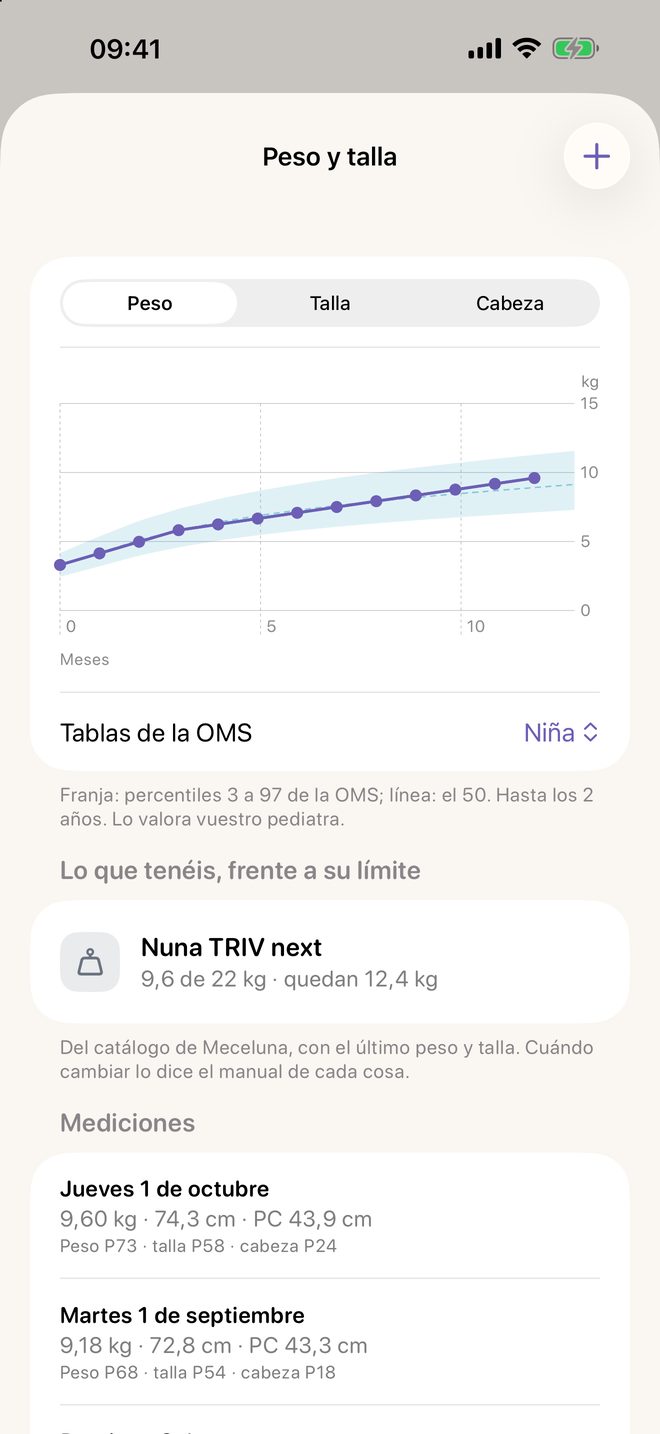
How it works in Meceluna
- In the Baby tab, open “Weight and length”.
- With the + button, log the weight, height and head from the check-up.
- Choose the WHO chart for a boy or a girl to see the percentiles.
What it shows
The band runs from the 3rd to the 97th percentile and the line marks the 50th, up to 2 years. Each measurement carries its percentile. If they were born early, the app uses corrected age.
What it does not do
It does not say whether growth is going well or badly and gives no feeding advice. The measurements stay on your iPhone and, if you turn it on, in your iCloud. It is free.
The photo of each month
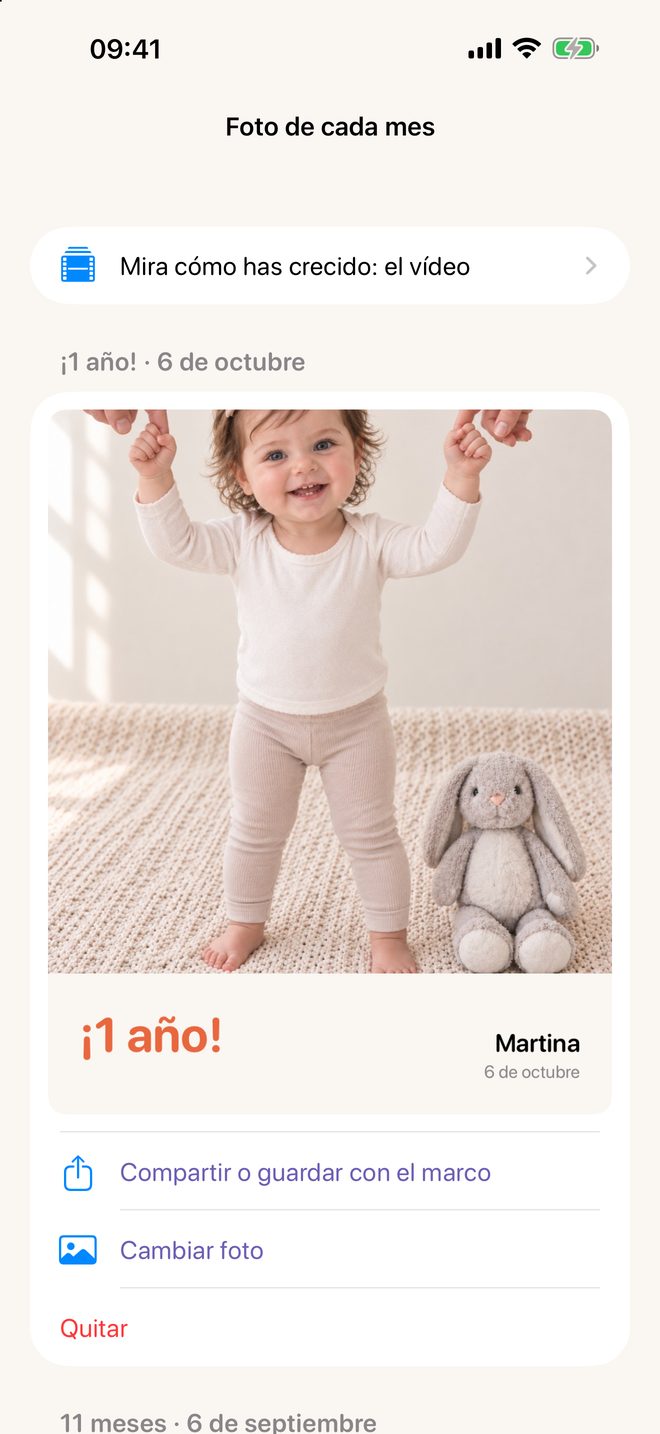
In the Baby tab, each completed month has its photo, up to 3 years, with a frame that shows their age and the date. With those photos and the weight and height of each month, the app builds “Look how you've grown”, a vertical video made on your iPhone.
The essentials of Meceluna are free and have no ads.
Download on the App Store · iPhone